> ## Documentation Index
> Fetch the complete documentation index at: https://docs.nyru.net/llms.txt
> Use this file to discover all available pages before exploring further.
# Backup System for VDS
1. Go to [Server Panel](https://vds.nyru.net/) (If you are not logged in, check previous step to login)
2. After you logged in successfully, you have to be redirected to [Dashboard page](https://vds.nyru.net/dashboard). Now you have to click **Manage** button of the service which you intent to backup.
 3. After you click, go to **Backups**.
 ## How to Create a Backup
1. Then, click **Create Backup Now or Schedule** a time for backup.
## How to Create a Backup
1. Then, click **Create Backup Now or Schedule** a time for backup.
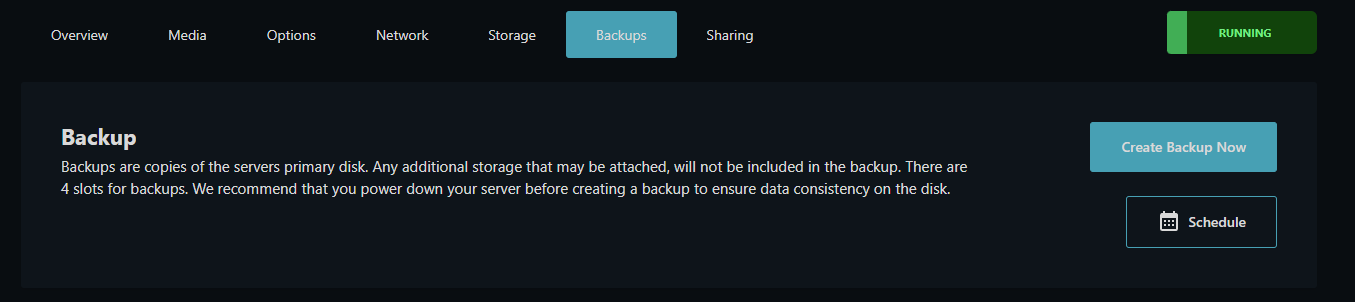 2. When you click, system will be taking backup.
 ## How to Restore a Backup
1. Then, click **Restore** button of the backup that you intent to restore.
## How to Restore a Backup
1. Then, click **Restore** button of the backup that you intent to restore.
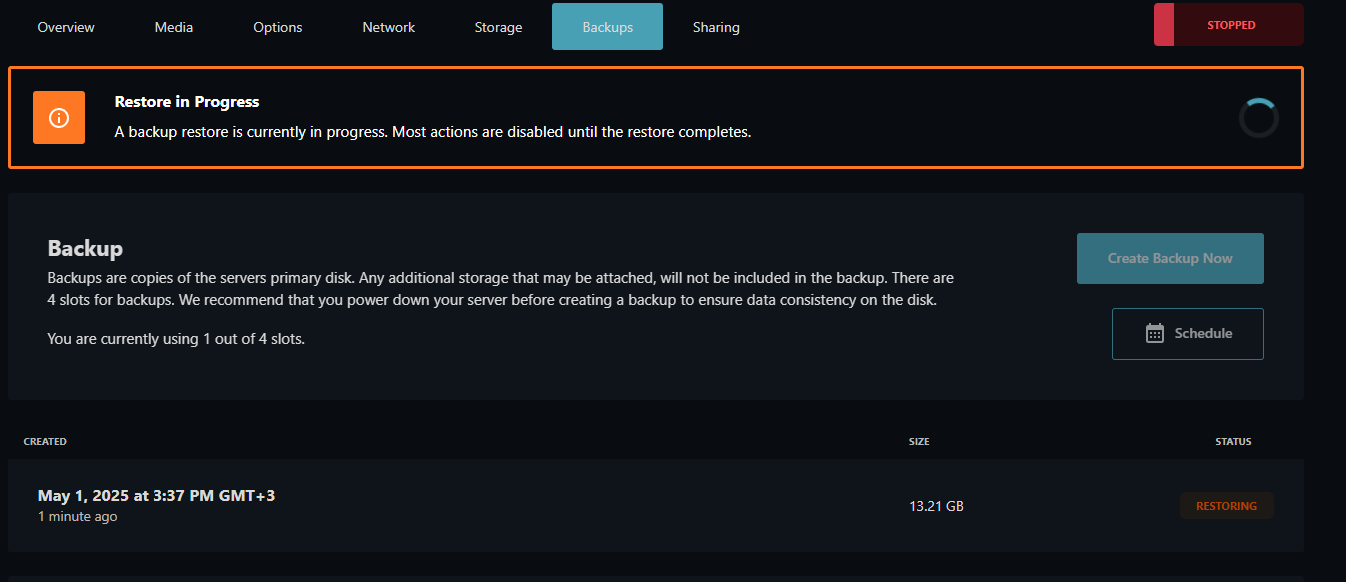
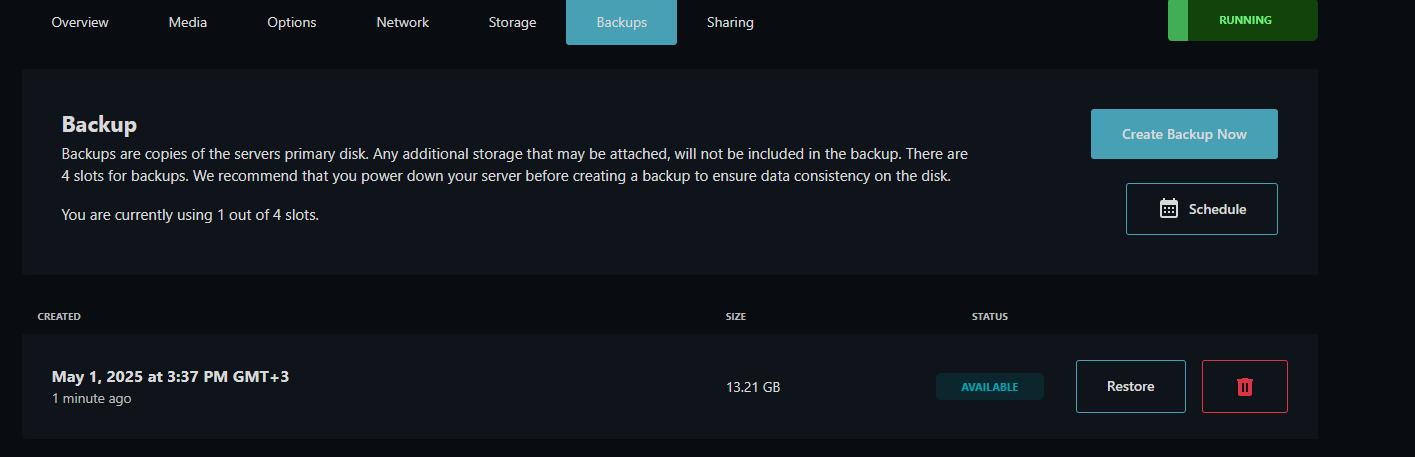 2. When you click, system will be restoring backup.