
1
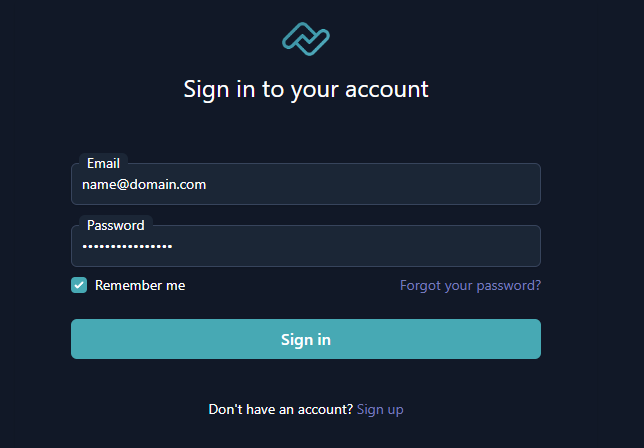
Go to Billing Area Login Page and enter your account credentials.
2
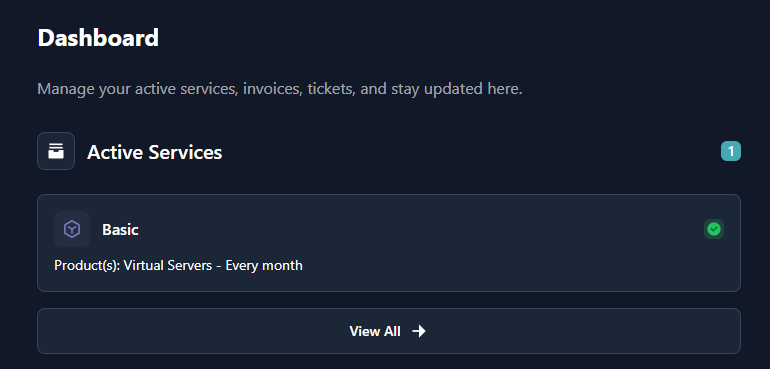
After you logged in successfully, you have to be redirected to Dashboard page. Now you have to click one of your active services.
3
After you click, you will see service details. Under "Actions" you have to click "Firewall Panel" button.

4
After you click "Firewall Panel" button, you will automatically be logged in to our Firewall Panel.